

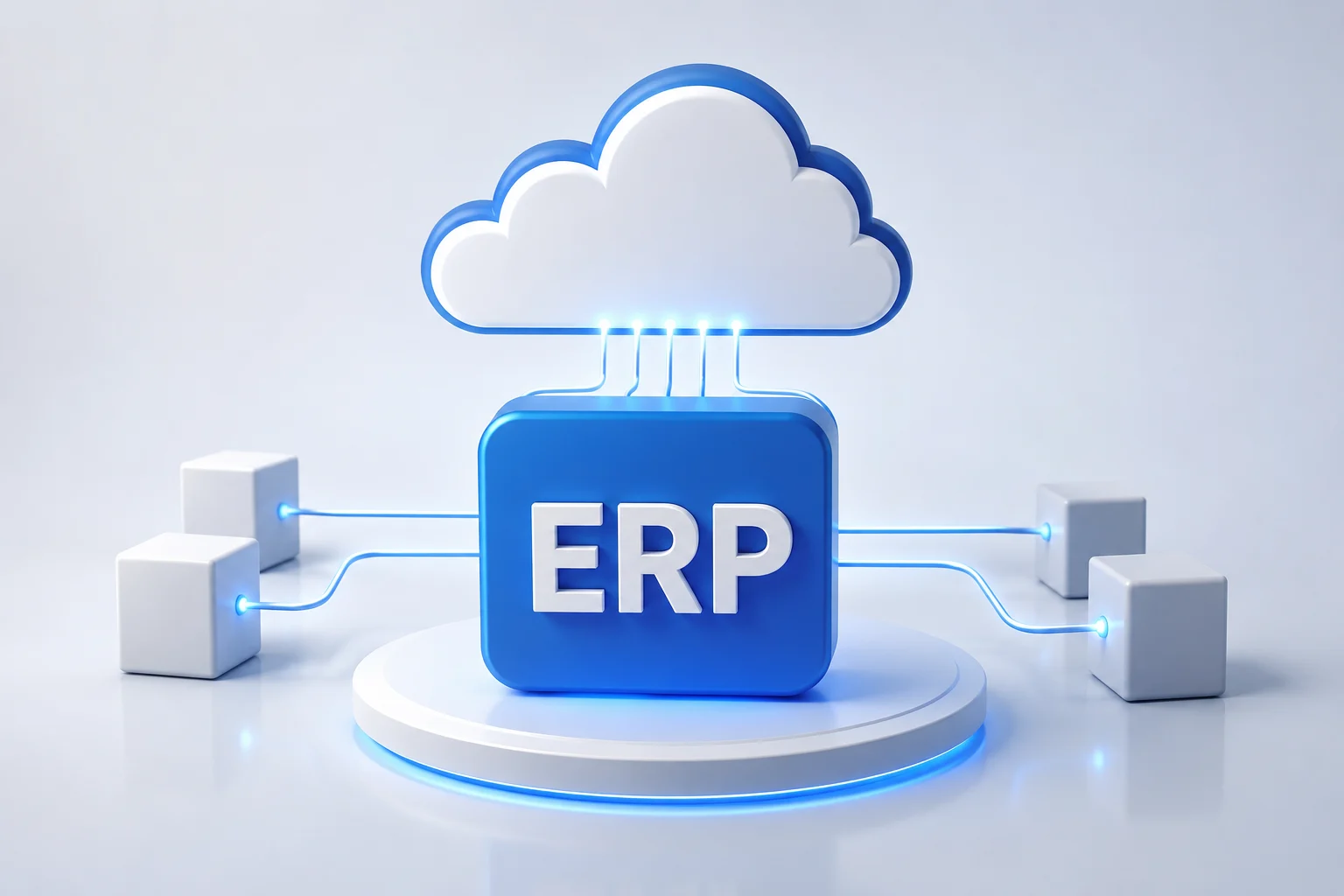
ERP Integration with Cloud Infrastructure
Introduction
According to recent digital transformation trends, organizations are rapidly moving critical business operations to cloud environments. Companies that rely on disconnected systems often face data silos, delayed reporting, and operational inefficiencies that slow business growth.
ERP integration with cloud infrastructure helps organizations centralize data, automate workflows, and improve decision-making across departments. When combined with scalable cloud technologies, businesses can reduce infrastructure complexity while maintaining flexibility and performance.
For companies operating in competitive markets across the USA and UAE, integrating ERP systems with modern cloud platforms creates a foundation for sustainable growth. Whether using a cloud based server for small business operations or enterprise-grade infrastructure, cloud-enabled ERP solutions improve visibility and operational control.
Why This Matters
Cloud-powered ERP systems help organizations streamline operations while reducing infrastructure management challenges.
- Improves access to real-time business data
- Supports scalable cloud based server hosting
- Enhances collaboration across departments
- Reduces infrastructure maintenance costs
- Increases operational efficiency and productivity
Understanding ERP and Cloud Infrastructure Integration
Benefits of a Unified Business Environment
ERP systems manage critical business functions such as finance, inventory, human resources, and customer relationships. Integrating these systems with cloud infrastructure allows organizations to access data securely from any location.
Key Points
- Centralized business information
- Improved system availability
- Better scalability options
- Reduced hardware dependency
Example / Use Case
A retail organization operating across multiple regions can connect its ERP platform with cloud server hosting services. This integration enables real-time inventory updates, helping managers make informed purchasing decisions while reducing stock shortages.
Choosing the Right Cloud Hosting Environment
Selecting the right hosting environment is essential for ERP performance and reliability. Businesses often compare managed cloud hosting solutions, AWS VPS hosting, and Linux cloud server environments before implementation.
Key Points
- Flexible resource allocation
- Enhanced security controls
- Simplified system management
- Reliable disaster recovery capabilities
Example / Use Case
A manufacturing company migrating from on-premise servers may deploy its ERP solution on a Linux cloud server. This approach provides greater flexibility while supporting future expansion without significant hardware investments.
Data Security and Compliance Considerations
Cloud-based ERP systems must protect sensitive business information. Proper infrastructure planning ensures data security, compliance, and business continuity.
Key Points
- Role-based access management
- Automated backup strategies
- Regulatory compliance support
- Advanced monitoring capabilities
Example / Use Case
Financial organizations often integrate ERP platforms with managed cloud hosting environments to maintain compliance standards while ensuring uninterrupted access to critical business records.
Key Benefits
- Faster access to business insights
- Reduced operational overhead
- Improved scalability and flexibility
- Enhanced collaboration across teams
- Better disaster recovery preparedness
- Increased infrastructure reliability
- Simplified software updates
Common Mistakes
- Choosing infrastructure without future scalability planning
- Ignoring security and compliance requirements
- Migrating data without proper validation
- Failing to train employees on new workflows
- Selecting cloud resources based only on cost
Future Trends
Cloud ERP adoption continues to grow as organizations seek greater agility and efficiency. Artificial intelligence, predictive analytics, and automated workflows are becoming standard features within modern ERP ecosystems.
Businesses are also investing in hybrid and multi-cloud strategies to improve resilience. As cloud infrastructure evolves, ERP systems will become more intelligent, enabling organizations to make faster and more accurate decisions through real-time data analysis.
Conclusion
ERP integration with cloud infrastructure is no longer a technology upgrade alone. It has become a strategic initiative that improves operational efficiency, scalability, and business resilience.
Organizations looking to modernize their operations should invest in carefully planned cloud ERP implementations supported by reliable infrastructure partners. A well-executed integration can create long-term competitive advantages while supporting future digital transformation initiatives.
Explore how MatchBest Software helps businesses build scalable cloud and ERP solutions tailored to modern operational needs.
FAQ Section
1. What is ERP integration with cloud infrastructure?
ERP integration with cloud infrastructure connects enterprise business applications with cloud-hosted resources. This approach improves accessibility, scalability, and operational efficiency while reducing hardware dependence.
2. Why do companies migrate ERP systems to the cloud?
Organizations migrate ERP systems to gain flexibility, improve collaboration, and reduce maintenance costs. Cloud environments also support faster deployment and easier scaling.
3. Is cloud ERP suitable for small businesses?
Yes. A cloud based server for small business environments allows smaller organizations to access enterprise-level capabilities without significant infrastructure investments.
4. How secure are cloud ERP solutions?
Modern cloud ERP platforms include encryption, access controls, monitoring tools, and backup systems that help protect sensitive business information.
5. What factors should businesses evaluate before ERP migration?
Companies should assess infrastructure requirements, security needs, compliance obligations, scalability goals, and integration complexity before migration.
Latest Article
Best AI Features to Add in Mobile Applications
Previous Blogs
Author
Written by: Andrew